
For revenue and marketing operations
Your CRM already knows when to send something
A deal closes. A meeting gets booked. A lead scans a badge. Every one of those is a timestamped event in Salesforce or HubSpot, and every one is a moment somebody currently handles by hand — or forgets. QuickBrand's API is live today, and we build the connection with you.
Salesforce
HubSpot
Live REST API
Client API keys
In-house decoration
SOC 2 Type 2
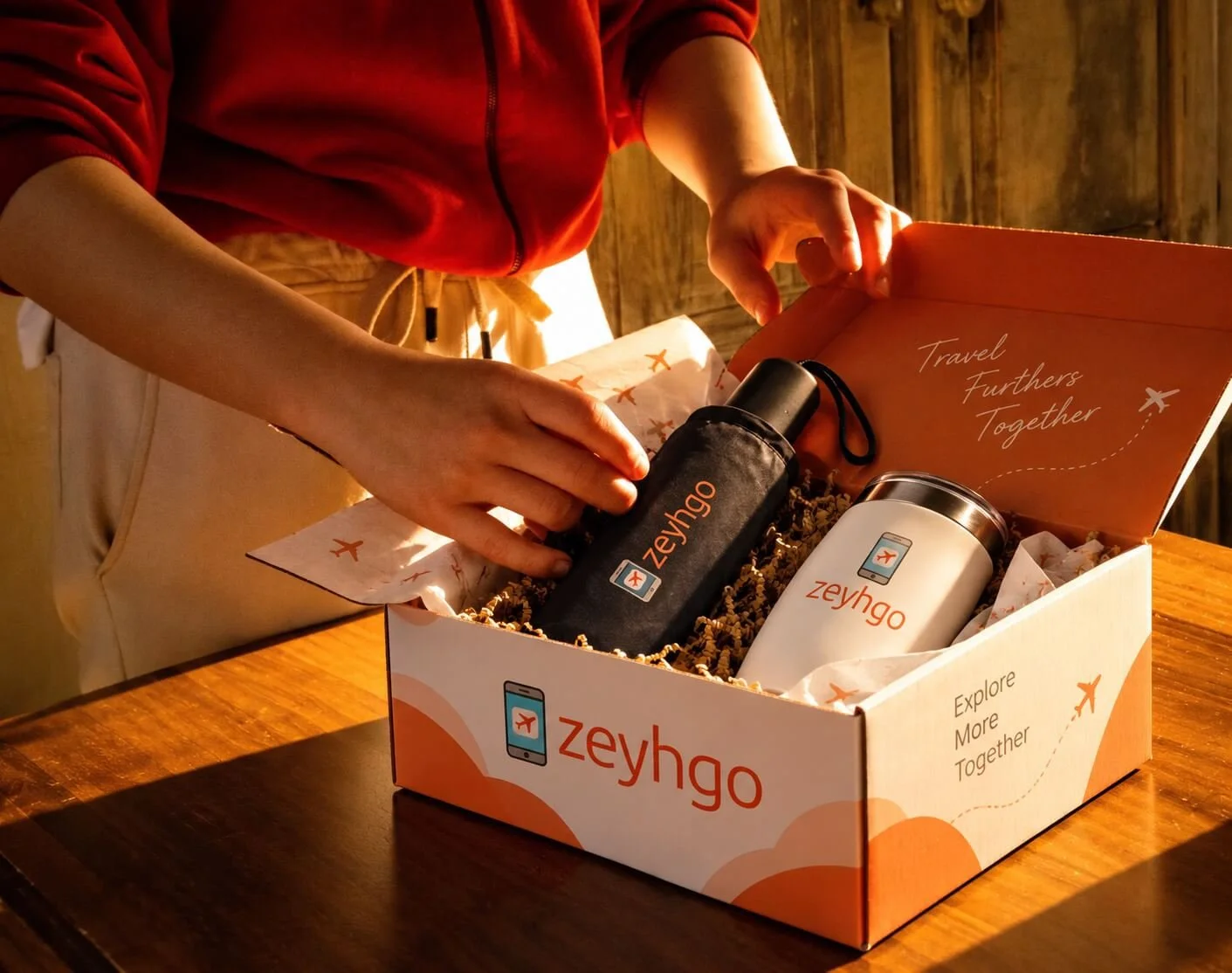
Swag is the last thing in your funnel nobody automates
Your sequences are automated. Your lead routing is automated. Your renewal alerts are automated. And then a rep wins a deal and sends a Slack message asking whether there are any of the good hoodies left, and someone in marketing goes and looks in a closet.
It isn't that the workflow is hard. It's that merchandise has never been connected to the system where the trigger lives, so it stays a favor someone does rather than a process that runs.
One pattern, many workflows
Every automation on this page reduces to the same four stages: an event in your system, a rule you define, an action in QuickBrand, and a recipient who self-serves. Once the connection exists, adding the fifth workflow costs a rule, not a project.

Opportunities for Automation
From the CRM

New Client Gifts
The deal moves to closed-won and a welcome gift goes out under the rep's name, without the rep doing anything.

Meeting booked or demo completed
A small, fast thank-you at the moment attention is highest, tied to the activity record rather than a rep's memory.

Target account sequences
ABM plays where a physical item lands between two digital touches, fired from the same list the campaign already uses.

Renewal and expansion milestones
A contract anniversary, a usage threshold, an expansion signal — recognized before the renewal conversation, not during it.

Stalled-deal re-engagement
No activity in a set window triggers a considered send instead of a fifth follow-up email.

Referral and advocacy rewards
A reference call, a review, an intro that converted — thanked automatically and consistently.
Three ways to connect

Most common
We build it
Tell us the trigger. We issue credentials and configure the connection through Zapier, Make or Power Automate, then test it against your CRM before it goes live.

Your team owns it
Build using our API
Call QuickBrand from Salesforce Flow, a HubSpot custom code action or your own middleware, using a client key we issue. Idempotent order creation, inventory checks before you send.

In development
Native and listed apps
Coming Soon: Official Zaps on Zapier and a Microsoft Team app, providing first-class connectivity between QuickBrand and a multitude of CRM, ERP, and marketing automation programs

Works with your revenue stack
Connected through our live API, using Zapier, Make, Power Automate or your own code: Salesforce · HubSpot · Microsoft Dynamics 365 · Pipedrive · Zoho CRM · Close · Marketo · Pardot · Klaviyo · Mailchimp · Outreach · Salesloft · Gong · Apollo · 6sense · Demandbase · Clay
If it has an API or can send a webhook, it can trigger QuickBrand.
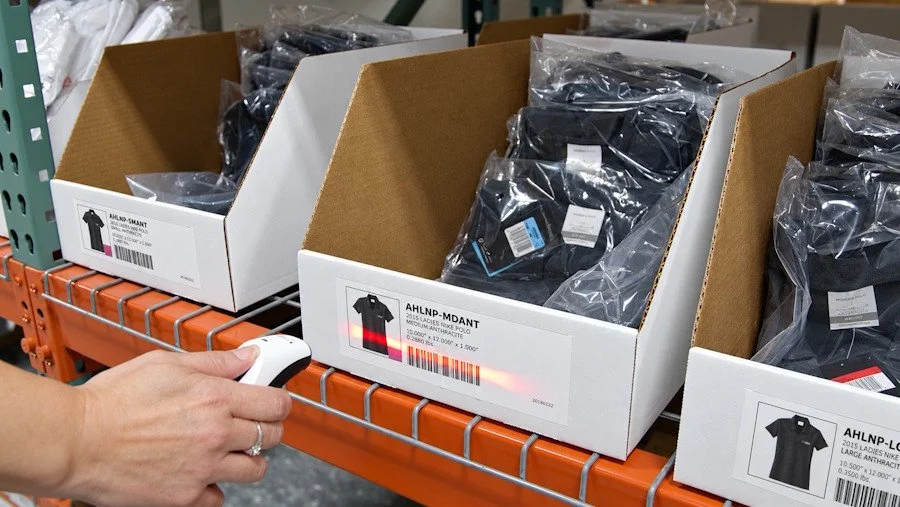
The integration is the easy half
Plenty of platforms can fire a webhook. Far fewer decorate, warehouse and ship the item themselves. Our embroidery, print and fulfillment are in our own building, which is what keeps a program consistent from the first automated send to the thousandth — and it's why we can tell you what's actually in stock rather than what a supplier said last week.
Common Questions
Questions revenue teams ask
-
Yes. A closed-won opportunity, a booked meeting or a campaign membership can create a QuickBrand order or issue credit automatically, through our live REST API — either from an automation platform or directly from Salesforce Flow. We don't publish a native app on AppExchange; we build the connection with you during onboarding.
-
Yes. A HubSpot workflow can reach QuickBrand through an automation platform or a custom code action calling our API directly. Common triggers are deal stage changes, meeting outcomes, form submissions, list membership and lifecycle stage transitions.
-
No. Our API is live and we issue client API keys, and our team configures the connection as part of your setup — you tell us the trigger and what should happen, we handle the credentials, field mapping and testing. If you'd rather own it, we'll issue the key and endpoint documentation and let your team run.
-
The trigger issues a redemption code or credit rather than shipping blind. The recipient follows a link, chooses their item and size, and enters their own address. Your rep never collects an address, your CRM never stores one it shouldn't, and you don't send a large hoodie to someone who wears a small.
-
Spend is bounded by design. Credit is issued in defined amounts against a credit type, so a workflow can only ever spend what it was granted — there's no open-ended charge for a misconfigured rule to run up. Catalog visibility is controlled by group, so recipients only choose from the selection you assigned them.
-
Yes. Issue codes or credit to a segment from your CRM or marketing platform in a single operation, check inventory for the relevant SKUs before the send goes out, and let recipients choose size and delivery details themselves. That last part is what makes a large send survivable — you're fulfilling against actual choices instead of forecasting sizes across a list.
-
Issue a redemption code to scanned leads after the show and let them choose their own item. You stop freighting cases of product to a venue and back, you stop guessing quantities, and you get a post-event touchpoint that produces a real engagement signal — who redeemed, and what they picked.
-
Client gifting can carry deductibility limits, disclosure requirements and recipient-side policy restrictions, and public sector, healthcare and financial services buyers often have hard rules. Your finance and legal teams should set the policy. We supply the order and value data they need through the API so the reporting is accurate rather than reconstructed.
Our integration team works directly with IT and procurement evaluators. Tell us what you need and we'll confirm exactly what's supported and how it connects.
Have technical questions? Let's talk.
Security questionnaires and integration documentation available on request
Explore full platform depth at QuickBrand.com →
Pick one trigger. Start there.
Closed-won gifting is usually the fastest thing to prove and the easiest to show a revenue team. Twenty minutes with someone who can answer technical questions on the call.