

Connect QuickBrand to the Systems You Already Run
Let us help you automate fulfillment and recognition with our REST API, PunchOut connection, or SFPT data exchanges. Whether the trigger sits in Workday, Salesforce, HubSpot or your service desk, the connection gets built, eliminating manual tasks so your team can focus on what they do best.
REST API
Docs Available on Request
SSO
Okta · Azure AD · SAML 2.0
PunchOut
Coupa · Workday · SAP Ariba
SOC 2 Type 2
Independently Audited
Managed Setup
We Build With You
The Gap
Your systems already know when. Nothing is connected to what happens next.
Every merchandise moment that matters is already a timestamped record in a system you operate. A hire date in Workday. A closed-won opportunity in Salesforce. A resolved escalation in your service desk. A contract renewal ninety days out.
What's missing isn't information — it's a connection between those records and fulfillment. Which is why most programs still run via someone exporting a list, chasing sizes by email, and placing orders by hand.
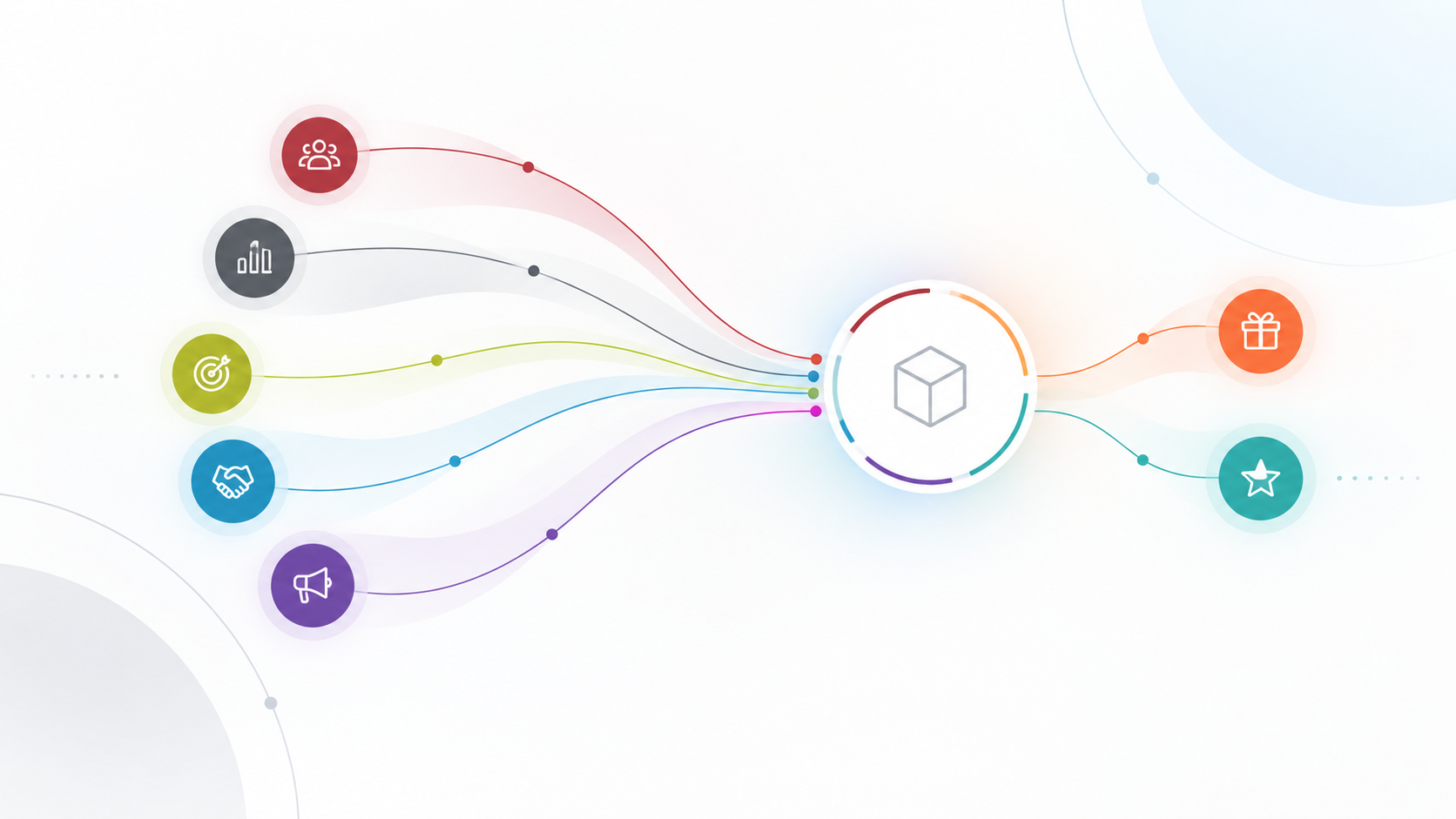
QuickBrand closes that gap. An event in your system issues merchandise credit, creates an order, or generates a redemption code in ours. Nobody has to remember.

Connection Models
Three ways to connect. You decide who owns it.
We build with you
Most Common
Tell us the trigger and what should happen when it fires. We issue credentials, configure the connection through Zapier, Make or Power Automate, map the fields, and test against your system before anything goes live. No development effort on your side.
We issue a client API key and endpoint documentation. Your developers or implementation partner call QuickBrand directly — from Salesforce Flow, a HubSpot custom code action, your HRIS middleware, or wherever your logic already lives.
Your Team Owns It
Utilize our API
Procurement-Led
Buy the way you already buy
cXML PunchOut into Coupa, SAP Ariba, Jaggaer and comparable platforms — buyers shop QuickBrand from inside your purchasing workflow and return a cart to your requisition chain.
“The most comprehensive and efficient end-to-end, fully integrated technology system and processes in place anywhere in the branded merchandise industry”
How It Works
One pattern. However many workflows.
Use signals from your system to automate tasks inside your store seamlessly for multiple facets of your program.
STAGE 1
Your system
Workday · ADP · Salesforce · HubSpot · service desk records the event
STAGE 2
Rule
Configured on our liveAPI. You define who gets what, and when.
STAGE 3
QuickBrand
Issues credit, creates an order, or generates a redemption code.
STAGE 4
Recipient
Signs in, picks the item,chooses their own size,enters their own address.
What You Can Automate
One connection. Every function that needs it.
Each of these is an event you already record, and an action someone currently performs by hand. The connection is built once; the workflows are configuration after that.
HR & People Ops
Trigger source: your HRIS
New-hire kits before day one
Work anniversaries & service awards
Uniform & PPE entitlement
Role, department or location change
Promotions
Referral qualification
Retirement
Safety & wellness milestones
Offboarding & credit reconciliation
Sales Enablement
Trigger source: your CRM
Closed-won gifting
Meeting booked or demo completed
Target account sequences
Renewal & expansion milestone
Stalled-deal re-engagement
Referral & advocacy rewards
Event & trade show lead fulfillment
Marketing
Trigger source: your marketing automation platform
New product drop mailings
Webinar & event attendance
Content & gated asset offers
Customer story participation
Field kits for reps
Seasonal & holiday campaigns
Customer Success & Service
Trigger source: your service desk or CS platform
Service recovery after a resolved escalation
Onboarding & go-live milestones
First value milestone
Pre-renewal window
Dormant account win-back
Enterprise Capabilities
Check every box on your IT review
Identity Works is built to pass enterprise IT and procurement evaluations — not because we checked a compliance box, but because we built these capabilities from the ground up.

Live REST API
Documented endpoints for customers, customer groups, credits, credit types, orders, inventory and redemption codes. Client API keys are issued per customer, scoped to the sites they're authorized to reach, and revocable at any time.

PunchOut / cXML for Procurement
Native PunchOut and cXML connects to Coupa, Workday, SAP Ariba, and other eProcurement systems. Your existing purchase order workflows and approval chains stay in place.

SSO — Okta, Azure AD & More
QuickBrand integrates with Okta, Azure Active Directory, and other SAML 2.0-compatible identity providers. Your employees use existing credentials — no new passwords, no IT friction, no separate account management.

Approvals, Budgets & Reconciliation
Configurable approval routing by department, spend threshold, or user group. Budget controls, PO allocation, and cost center coding built in. Where your finance team already has a payment and reconciliation process, we map checkout to it rather than asking you to change it. We match your org chart.

SOC 2 Type 2 Certified
Independently audited. Controls verified effective over time. No exceptions noted. Documentation available for your IT review process. This is the certification enterprise procurement specifically requires.

Multi-Site / Multi-Division
Each division, location, or brand gets its own isolated store environment — separate catalog, permissions, and reporting — all centrally administered with unified visibility for administrators.
Compatibility
Works with the stack you already run
HR & People
Workday · UKG · ADP Workforce Now · BambooHR · Rippling · Paylocity · Paycom · SAP SuccessFactors · Ceridian Dayforce · Namely · Gusto · Oracle HCM · Personio · HiBob
CRM & Marketing
Salesforce · HubSpot · Microsoft Dynamics 365 · Pipedrive · Zoho CRM · Marketo · Pardot · Klaviyo · Mailchimp · Outreach · Salesloft · Gong · Apollo · 6sense · Demandbase
Procurement & Service
Coupa · SAP Ariba · Jaggaer · Workday Procurement · Zendesk · ServiceNow · Freshdesk · Jira Service Management
If your system has an API or can send a webhook, it can trigger QuickBrand. If yours isn't listed, ask — it will almost certainly still work.
Implementation
What it takes to go live
Step 1
Scoping call
Twenty minutes with someone technical. We agree the first trigger, what should happen when it fires, the value or credit model, and who owns the build. You leave knowing exactly what is involved.
Step 2
Credentials and build
We issue your client API key, configure the connection, map the fields, and test end to end against your system — not a sandbox approximation. Nothing goes live until you have watched it work.
Step 3
Live, then expand
Start with one trigger and prove it. Additional workflows are configured with the connection you already have, so the second and third take a fraction of the first.
Commonly Asked Integration Questions
-
Yes, today. QuickBrand runs a live REST API and we issue client API keys as part of your setup. Any HR system that can send an outbound request — Workday, UKG, ADP, BambooHR, Rippling, Paylocity, SAP SuccessFactors and most others — can create store accounts, issue merchandise credit or place orders in QuickBrand automatically. Most connections run through an automation platform such as Zapier, Make or Power Automate, and our team configures the connection during onboarding.
-
Yes, today. A closed-won opportunity in Salesforce or a workflow in HubSpot can create a QuickBrand order, issue merchandise credit or generate a redemption code. The connection runs against our live API — either from an automation platform, or directly from your own Salesforce Flow or HubSpot custom code action. We don't publish native apps in the Salesforce or HubSpot marketplaces; we build the connection with you instead.
-
Not yet — a listed QuickBrand app is in development for early 2027. What exists today works the same way from your side: your Zap calls our live API using a client key we issue, reaching the same endpoints a listed app would. The practical difference is who does the initial setup, and today that's us. When the listed app ships, your operations team will also be able to build workflows themselves straight from the Zapier directory, and anything already running keeps running.
-
We do. You tell us the trigger — a hire, a work anniversary, a closed-won deal, an event lead list — and what should happen when it fires. We issue the credentials, configure the connection, map the fields and test against your system before anything goes live. If your team would rather own it, we'll issue a key and the endpoint documentation and get out of the way.
-
In plain terms, it lets another system:
Create, update, retrieve and list store customers, and enable or disable their accounts
Add and remove people from customer groups, so entitlements follow department, location or role
Issue merchandise credit to an individual and check current credit status
Create credit against a defined credit type, and list the credit types available
Create an order, retrieve an order, and search orders by site, date range or status
Check inventory for one SKU or a batch of SKUs before a campaign goes out
Create and retrieve redemption codes Every call is scoped to the sites the credentials are authorized to reach.
-
Usually not. Because we configure the connection during onboarding, the work on your end is deciding what should trigger what, and giving us access to the source system. You'd want a developer if you're embedding QuickBrand inside your own application, or if your logic is genuinely more complex than a rule can express.
-
Integrations authenticate with a client API key issued to you and scoped to the specific sites it's authorized to reach. Keys can be rotated or revoked at any time. The role and record-level permissions that apply in the QuickBrand interface apply identically through the API — an integration can't surface data a signed-in user wouldn't be allowed to see. Calls that create orders, credits or redemption codes are idempotent, so a retry never produces a duplicate.
-
In development, with a customer pilot planned. We chose Teams first deliberately: many QuickBrand customers already run on Microsoft 365, and it's the hardest of the integrations to build — which means the authentication groundwork it forces is reusable for everything that comes after it. If you'd like to be in the pilot, tell us now.
-
Yes. QuickBrand supports cXML PunchOut, so buyers at organizations running Ariba, Coupa, Jaggaer, SAP and comparable e-procurement platforms shop the QuickBrand store from inside their own purchasing workflow and return a cart to your requisition and approval process. Nobody has to leave the system procurement already controls.
-
Yes. Employees reach their store with existing corporate credentials — no separate password to distribute and none to reset. For account lifecycle specifically, creating accounts on hire and disabling them on departure runs as an HRIS-triggered workflow through the API, which covers create, update and disable.
-
QuickBrand is SOC 2 Type 2 certified. Combined with single sign-on, PunchOut and scoped, revocable API credentials, that covers what most enterprise IT and procurement reviews ask for. We complete security questionnaires as part of onboarding rather than treating them as an exception.
-
You don't have to tell us, and that's the advantage of the store model. Most gifting tools need a shipping address and a garment size at the moment the trigger fires — which means either your HR system is storing sizing data it has no business storing, or somebody is emailing people to ask. In QuickBrand the event issues credit. The recipient signs in, chooses what they want, picks their own size and enters their own address at checkout. No sizing data in your systems, nobody chasing anyone, far fewer wrong-size returns.
-
Yes, by retrieval. Your finance or procurement system can pull a single order, or search orders by site, date range or status, on a schedule or on demand. If your team needs QuickBrand to push posted orders with your own cost-center coding instead, tell us what that would need to look like — it's the direction we're extending next and we'd rather design it against a real requirement.
-
For a store that's already built, a first workflow is typically live within a week or two of agreeing what should trigger it — most of that is testing against your system rather than building. Single sign-on and PunchOut are separate configuration projects measured in weeks, and the pace there is almost always set by your IT team's calendar rather than by anything we build.
-
Yes, and nothing has to be rebuilt to do it. Whatever we configure calls the same public endpoints your own developers would call with the same kind of key. Taking it over is a change on your side, not a migration on ours — which is exactly why starting with a managed setup costs you nothing in flexibility.
Our integration team works directly with IT and procurement evaluators. Tell us what you need and we'll confirm exactly what's supported and how it connects.
Have technical questions? Let's talk.
Security questionnaires and integration documentation available on request
Explore full platform depth at QuickBrand.com →